If you’re working with Shielded Cat 6 cable, you probably know how important it is to get the grounding right. Poor grounding can cause interference, slow down your network, or even damage your equipment.
But don’t worry—grounding your Shielded Cat 6 cable doesn’t have to be confusing or overwhelming. You’ll learn simple, step-by-step methods to properly ground your cable and keep your network running smoothly. Keep reading to discover easy tips that will save you time and protect your connections.

Credit: www.amazon.com
Benefits Of Grounding Shielded Cat 6 Cable
Grounding shielded Cat 6 cable improves its overall performance and safety. The shield protects against electrical noise and interference. Grounding ensures this shield works effectively. This step reduces signal loss and improves connection quality.
Proper grounding also protects equipment from electrical faults. It helps avoid damage and costly repairs. Networks run more smoothly and with less downtime. This is important for homes and businesses relying on fast internet.
Improved Signal Quality
Grounding reduces electromagnetic interference. It keeps the signal clean and strong. This helps in faster data transfer and fewer errors. A clear signal means better network speed and reliability.
Enhanced Equipment Protection
Grounding prevents electrical surges from damaging devices. It safely directs excess electricity to the ground. This lowers the risk of hardware failure. Equipment lasts longer and works more reliably.
Reduced Network Downtime
Less interference means fewer network interruptions. Grounding helps maintain a stable connection. This reduces frustration and lost productivity. Networks stay online and perform consistently.
Compliance With Safety Standards
Grounding meets industry and safety regulations. It ensures installations are safe and trustworthy. Following standards avoids legal and insurance problems. It shows professionalism and care in network setup.

Credit: www.gearit.com
Types Of Shielded Cat 6 Cable
Shielded Cat 6 cables protect data signals from outside interference. They help keep connections stable and fast. Different shield types offer various levels of protection. Choosing the right shield affects cable performance and grounding needs.
Foil Shielded Cable
Foil shielded cables have a thin layer of metal foil wrapped around the wires. This foil blocks high-frequency interference well. The foil is lightweight and easy to bend. It covers all pairs inside the cable. Foil shields work best in low-interference areas.
Braided Shielded Cable
Braided shielded cables use a mesh of fine wires around the conductors. This braid blocks low-frequency interference effectively. The braid is thicker and stronger than foil. It also adds durability to the cable. Braided shields provide better protection in noisy environments.
Combination Shielded Cable
Combination shielded cables have both foil and braided shields. The foil covers each twisted pair inside the cable. The braid wraps around the entire cable bundle. This double layer offers the best protection. Combination shields suit harsh environments with heavy interference.
Tools And Materials Needed
Grounding a shielded Cat 6 cable requires specific tools and materials. These items help ensure proper installation and reduce interference. Having the right equipment makes the process safer and faster.
Use quality materials to protect the cable shield and maintain signal integrity. The tools must be precise to avoid damage to the cable or connectors.
Shielded Cat 6 Cable
Choose a shielded Cat 6 cable designed for grounding. This cable has a metal shield around the wires to block electrical noise. The shield improves overall network performance.
Grounding Block Or Terminal
A grounding block connects the cable shield to the earth ground. It is essential for safely dissipating unwanted electrical currents. Use a reliable grounding block for secure contact.
Wire Strippers
Wire strippers remove the outer jacket and shield without cutting the wires inside. Select a tool that fits the Cat 6 cable size. Precise stripping avoids wire damage.
Crimping Tool
A crimping tool secures connectors to the cable ends. It ensures a strong mechanical and electrical connection. Use the correct crimper for shielded RJ45 connectors.
Shielded Rj45 Connectors
Shielded RJ45 connectors maintain the cable’s shielding through the connection. These connectors prevent interference at connection points. Match connectors to your cable type.
Ground Wire
A ground wire links the grounding block to the building’s earth ground. Use a wire with proper gauge and insulation. This wire safely carries electrical noise away.
Screwdriver
A screwdriver attaches the grounding block and secures the ground wire. Choose the right size to avoid stripping screws. A good grip helps in tight spaces.
Multimeter
A multimeter tests the grounding connection for continuity and voltage. It confirms the shield is properly grounded. Use it to ensure safety and performance.
Step-by-step Grounding Process
Grounding shielded Cat 6 cable is important for safety and signal quality. Follow this clear, step-by-step process to do it right. Proper grounding reduces electrical noise and protects equipment. The steps include preparing the cable, connecting the shield, and securing the ground connection.
Preparing The Cable
First, strip the outer jacket carefully without damaging the shield. Remove enough to expose the foil and braided shield. Gently peel back the shield to create a neat bundle. Make sure the inner wires stay intact and clean. This step ensures a good connection and prevents shorts.
Connecting The Shield To Ground
Next, attach the shield to a grounding point. Use a grounding wire or connector designed for shielded cables. Connect the shield bundle to the grounding device securely. This path directs unwanted electrical noise away from the signal wires. Check that the connection is tight and stable.
Securing The Ground Connection
Finally, fasten the ground connection to prevent movement. Use cable ties or clamps to hold the grounding wire in place. Avoid sharp bends or stress on the cable and connection. Secure grounding improves reliability and keeps the cable safe. Inspect all connections before powering the system.
Common Grounding Mistakes To Avoid
Grounding shielded Cat 6 cable is vital for proper performance. Mistakes in grounding can cause signal loss and interference. Knowing common errors helps avoid these problems and keeps your network stable.
Many users overlook simple grounding rules. These errors lead to poor cable function and data issues. Focus on correct grounding methods for best results.
Improper Grounding Point Selection
Choosing the wrong grounding point causes grounding failure. The ground must be stable and close to the cable. Avoid using rusty or loose metal surfaces. This ensures a strong and reliable connection.
Using Unshielded Connectors
Shielded cables need connectors that support grounding. Using unshielded connectors breaks the shield continuity. It lets noise enter the cable and lowers speed. Always pick connectors designed for shielded cables.
Grounding Only One End Of The Cable
Grounding shielded cable at only one end can cause issues. It may create ground loops or fail to block interference. Ground both ends properly for full protection and signal clarity.
Ignoring Cable Shield Damage
Damaged cable shields reduce grounding effectiveness. Cuts or breaks in the shield expose the inner wires. Handle cables carefully and check shields before grounding. Replace damaged cables to avoid signal loss.
Failing To Secure Grounding Connections
Loose grounding connections lead to intermittent faults. Vibrations or movement may break the ground link. Tighten all screws and clamps firmly. Secure connections maintain consistent grounding and network stability.
Testing And Verifying Ground Connections
Testing and verifying ground connections is an important step when working with shielded Cat 6 cables. It ensures the cable shield is properly grounded. Proper grounding reduces interference and protects your network from damage. Without testing, you cannot be sure the ground is solid and reliable.
Use simple tools and methods to check your ground connections. This section explains how to test and verify grounding effectively.
Using A Multimeter To Check Continuity
A multimeter helps check if the shield is connected to ground. Set the multimeter to continuity mode. Touch one probe to the cable shield and the other to the grounding point. A beep or low resistance reading means good connection. No beep or high resistance means a bad or missing ground.
Measuring Ground Resistance
Ground resistance should be low for effective shielding. Use an ohmmeter to measure resistance between the cable shield and earth ground. A reading below 1 ohm is ideal. Higher resistance may cause interference and signal loss. Fix any poor grounding before installing the cable.
Visual Inspection Of Ground Connections
Look for loose or corroded connections on the grounding wire. Check that the shield makes full contact with the grounding point. Ensure all clamps and connectors are tight. Clean any dirt or oxidation to improve conductivity. Visual checks catch problems that tools might miss.
Performing Signal Tests
Run a network cable tester to verify signal quality. Poor shielding grounding can cause noise and errors. Test for data loss or connection drops during transmission. Good grounding improves signal stability and speed. Repeat tests after any grounding adjustments to confirm results.
Safety Precautions During Grounding
Grounding shielded Cat 6 cable is important for safety and performance. It protects devices from electrical surges and interference. Careful steps must be followed to avoid accidents and damage. Safety should be the top priority during grounding tasks.
Always use the right tools and protective gear. Avoid working in wet or damp areas to reduce electric shock risk. Double-check all connections to ensure they are secure and correct.
Wear Protective Equipment
Use insulated gloves and safety glasses. These protect your hands and eyes from sparks or sharp wires. Avoid loose clothing that might catch on cables or tools.
Turn Off Power Supply
Switch off the power before starting the grounding process. This step prevents electric shocks and short circuits. Confirm the power is off using a tester or meter.
Use Proper Grounding Tools
Use tools designed for electrical work. Insulated screwdrivers and wire strippers help avoid accidents. Avoid using damaged or worn-out tools.
Check Cable Condition
Inspect the cable for cuts, frays, or damage. Damaged cables can cause shorts or fires. Replace any faulty cables before grounding.
Avoid Moisture And Wet Areas
Do not work in wet locations. Water increases the risk of electric shock. Keep the work area dry and clean.
Benefits Of Proper Grounding For Network Performance
Proper grounding of shielded Cat 6 cable improves network performance. It reduces noise and interference. This leads to clearer and faster data signals.
Grounding also protects equipment from electrical surges. This increases the lifespan of your network devices. A well-grounded system keeps connections stable and reliable.
Improved Signal Quality
Grounding helps block electromagnetic interference. This prevents signal loss and errors. The result is smoother data transmission. Your network runs without frequent interruptions.
Reduced Network Downtime
Proper grounding protects against electrical spikes. These spikes can damage cables and devices. Grounding lowers the chance of failure. Your network stays up and running longer.
Enhanced Data Security
Shielded cables with grounding reduce data leaks. They prevent unwanted signals from entering the cable. This keeps your information safer. Secure data means less risk of hacking.
Longer Equipment Life
Grounding prevents static buildup and electrical damage. This protects switches, routers, and other devices. Equipment lasts longer and works better. You save money on repairs and replacements.
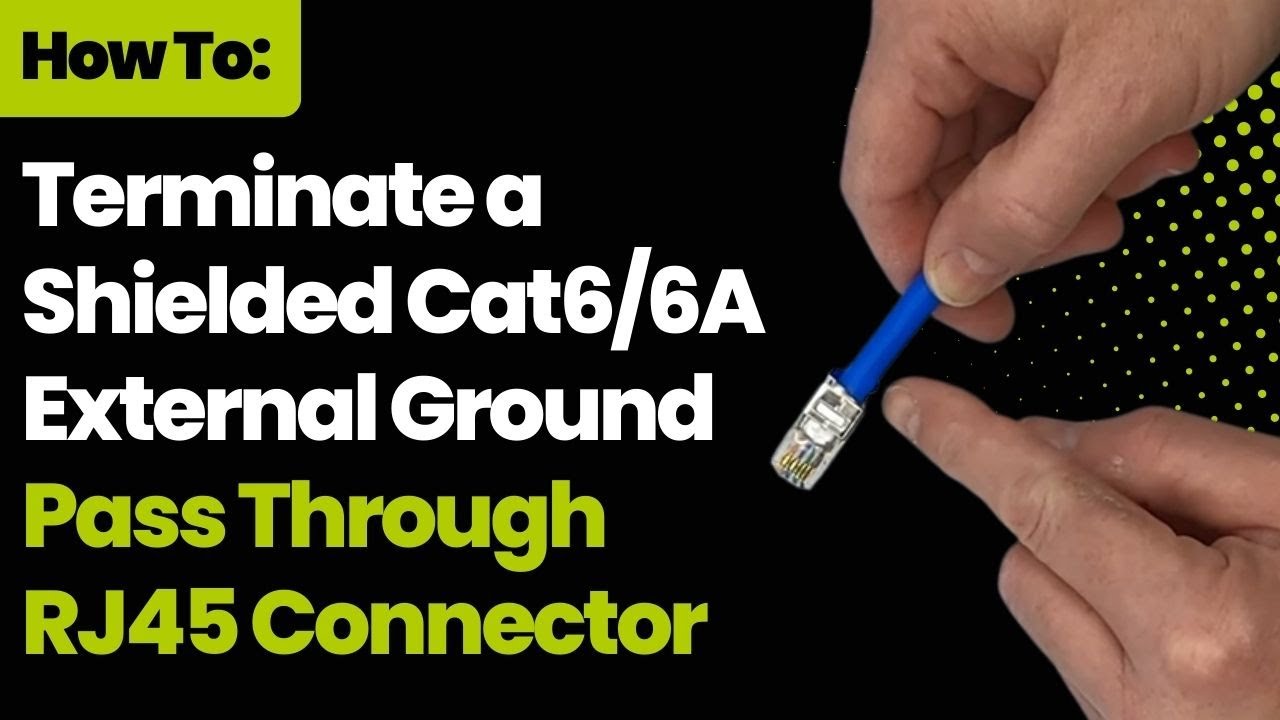
Credit: www.youtube.com
Frequently Asked Questions
What Is The Purpose Of Grounding Shielded Cat 6 Cable?
Grounding protects the cable from electrical noise and interference, ensuring better signal quality.
How Do You Connect The Shield To Ground Safely?
Attach the shield wire to a grounding point using a grounding clamp or screw.
Can Ungrounded Shielded Cat 6 Cable Cause Problems?
Yes, it can cause signal loss and increase interference, reducing network performance.
What Tools Are Needed To Ground Shielded Cat 6 Cable?
You need grounding clamps, a screwdriver, wire stripper, and a grounding wire.
Where Should The Shielded Cat 6 Cable Be Grounded?
Ground the cable at the patch panel or network equipment chassis.
Is Grounding Shielded Cat 6 Cable Required By Standards?
Most standards recommend grounding to reduce electromagnetic interference and improve safety.
Conclusion
Grounding shielded Cat 6 cable protects your network from interference. It keeps signals clear and stable. Always connect the shield to a proper ground point. Avoid leaving the shield ungrounded, as it may cause problems. Use tools carefully to avoid damaging the cable.
Proper grounding helps your devices work better and longer. Remember, simple steps make a big difference. Stay safe and keep your network strong.
As an Amazon Associate, I earn from qualifying purchases.